A customer is a company, with the people in it.
The relationship and the money belong to the company; a contact is a person inside it who may or may not have a login. Everything else in the product points at one or the other, never at a guess.
Groups and flags, not free-text tags
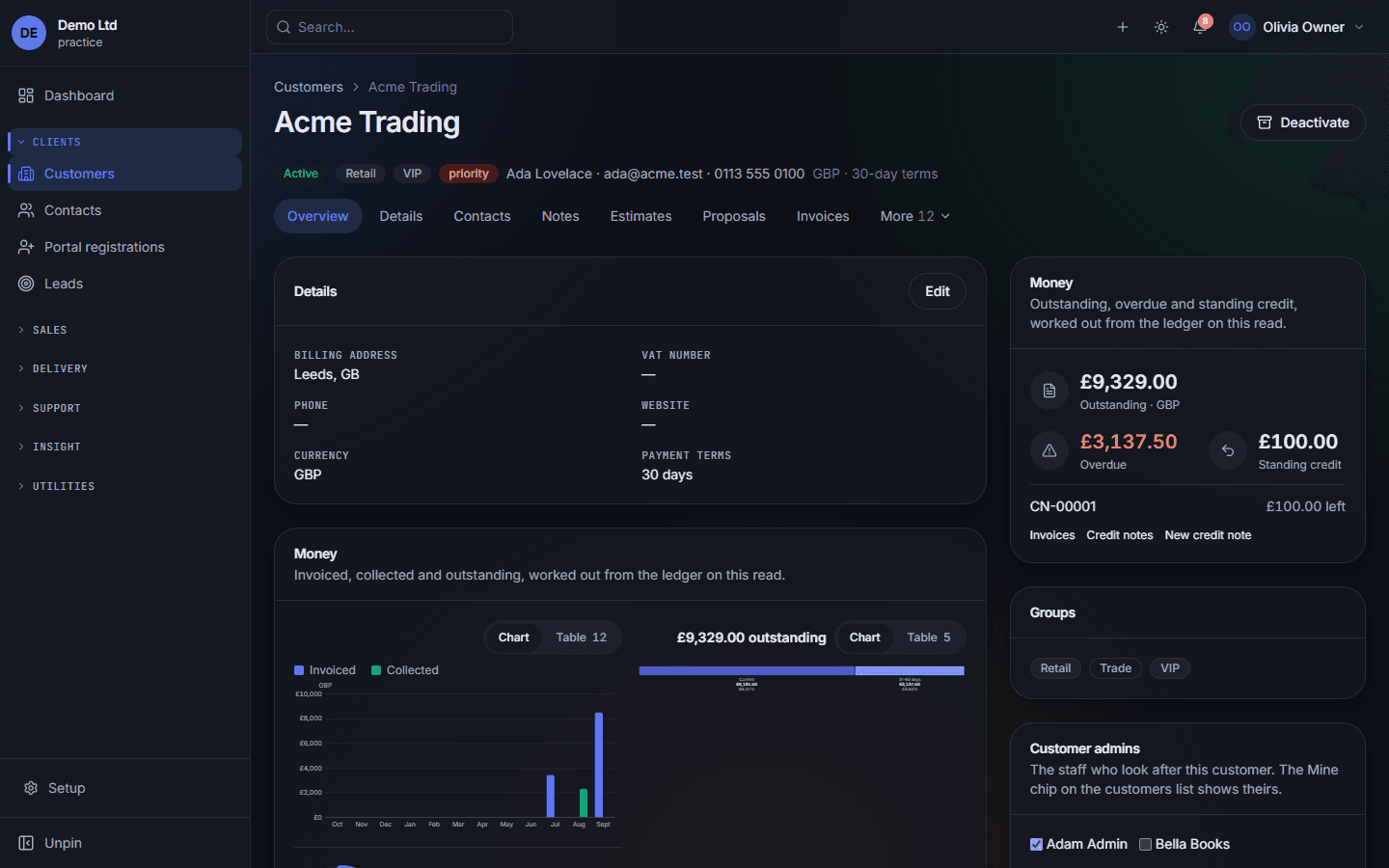
Groups drive the list filters and reports; the priority flag is its own field, so "show me priority customers" is a filter, not a search.
Everything linked, one tab each
Contacts, notes, estimates, proposals, invoices, projects, tickets, contracts, files — whatever modules the firm has, reached from the customer.
What they owe, worked out on this read
Outstanding, overdue and standing credit come from the ledger every time the page loads. There is no balance column to drift.
Who looks after them
Customer admins are the staff responsible. A member who only sees their own customers sees exactly these, and the Mine filter shows them.
The company holds the relationship
Billing details, currency, payment terms, groups and custom fields all sit on the company. That is where the money is owed and where the history lives, whoever you have been dealing with there this month.
A contact is a person inside it
One primary contact, and as many others as the company has, each with their own portal login or none. Duplicate detection catches a lead that is really the same company back again, on the fields you choose.
What’s on the record
- Customers
- Companies with billing details, currency, payment terms, groups and custom fields.
- Contacts
- The people inside each company — one primary, any number of others, each with their own portal access or none.
- Portal registrations
- People who asked for a login, waiting for somebody to confirm which company they belong to.
- Leads
- Enquiries before they are customers, on a board by status, converted into a company and a contact in one step.
- Web forms
- Public forms that create leads or estimate requests, with the spam defences written down.
What holds it together underneath
Converting a lead keeps its history
Notes, files and the conversation move with it. The lead can then be locked, so nobody edits a record the customer has already replaced.
Duplicate detection you can tune
A new lead is checked against existing leads and customers on the fields you choose — email and phone by default.
Per-field permissions
"May see the customer" and "may see what they owe" are different answers. A contractor can open a customer without seeing a single figure.